
Cliplet
Download free




Copy once. Keep eight.
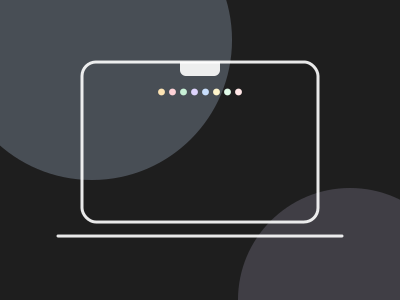
Cliplet keeps your last eight copies in a little shelf that drops from your Mac’s notch. Click one to copy it again, even after restarting.
Download for Mac, free
Free · macOS 14 Sonoma or later · Apple Silicon + Intel
HOW IT WORKS
Cliplet sits in your notch.




Eight
Your last eight copies
The newest is always first. Older ones slide along and drop off the end.

JPEG
GIF
Video
Text
PNG
Links
Colours
Any format
Every format, shown as itself
Photos, GIFs, videos, PDFs, links, colours and text. Each one gets a real preview, never just a file name.
Peek
Copy, and it peeks
A tiny tray drops from the notch with your new clip, then tucks away.

Star
Keep the keepers
Star up to six clips. They move to the front and stay through restarts.

⌃⌥V
Keyboard
Open it from anywhere
⌃⌥V opens the shelf. Arrows to move, Return to copy, P to star.

Private
Nothing leaves your Mac
No accounts, no cloud. Password managers are skipped automatically.
Cliplet for Mac
The Clipboard Pro Max Ultra.
Eight recent items • Favourite 6 for easy access • Works with photos, videos, text and files • Runs locally on your Mac
Download for Mac, free
Free · macOS 14 Sonoma or later · Apple Silicon + Intel · Notarized by Apple
© 2026 Stefan Williams - The Blue Planet F.Z-LLC